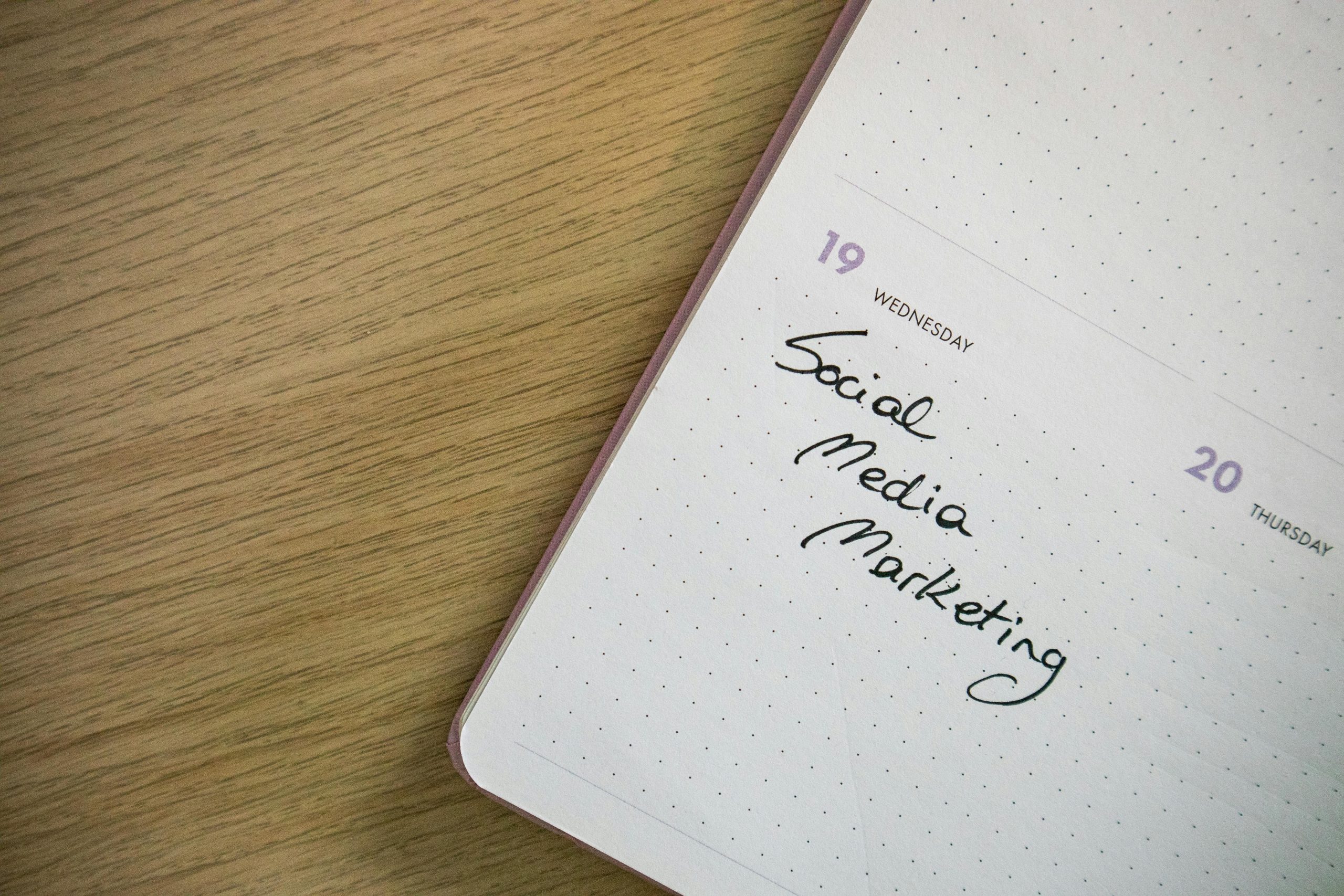
In today’s fast-paced digital world, scheduling social media posts is no longer a luxury but a necessity. It allows you to maintain a consistent online presence, engage with your audience at optimal times, and free up valuable time for other tasks. Whether you’re a small business owner, a content creator, or a social media manager, learning how to effectively schedule posts can transform your strategy and elevate your brand’s reach. Let’s dive into the essential steps and tools to make this process seamless and impactful.
Choose the Right Social Media Scheduling Tool
Selecting the right tool is the foundation of successful social media scheduling. Platforms like Hootsuite, Buffer, and Later offer user-friendly interfaces and robust features such as analytics, multiplatform integration, and autoposting. Consider your budget, the number of accounts you manage, and the specific features you need. Many tools offer free plans with limited capabilities, which are perfect for beginners or small businesses. Investing in a premium tool can provide advanced features like team collaboration and detailed performance tracking.
Plan Your Content Calendar Strategically
A well-organized content calendar is your roadmap to consistent posting. Start by identifying key dates, holidays, and events relevant to your audience. Then, map out your posts to align with these milestones. Balance promotional content with engaging, value driven posts like tips, stories, and user generated content. Tools like Google Sheets or Trello can help you visualize your calendar and ensure a cohesive flow of content. Remember, flexibility is key—leave room for spontaneous posts to respond to trends or current events.
Optimize Posting Times for Maximum Engagement
Timing is everything in social media. Posting when your audience is most active increases the likelihood of engagement. Use analytics tools to determine peak activity times for each platform. For example, Instagram Insights or Facebook Audience Insights provide valuable data on your followers’ online habits. Experiment with different posting times and analyze the results to refine your strategy. Keep in mind that optimal times may vary depending on your audience’s demographics and time zones.
Leverage Automation Without Losing Authenticity
Automation is a game changer for efficiency, but it’s essential to maintain a human touch. Use scheduling tools to handle repetitive tasks, but don’t rely solely on preplanned content. Engage with your audience in real-time by responding to comments, messages, and mentions. Personalize your posts by using captions that reflect your brand’s voice and tone. Automation should enhance your strategy, not replace genuine interaction.
Monitor and Adjust Your Strategy Regularly
Scheduling social media posts is not a setitandforgetit process. Regularly review your analytics to assess the performance of your posts. Look for patterns in engagement, reach, and conversions to identify what’s working and what’s not. Adjust your content calendar, posting times, and messaging based on these insights. Continuous improvement ensures your strategy remains effective and aligned with your goals.
- Begin with a free scheduling tool like Buffer or Later.
- Create a content calendar using Google Sheets or Trello.
- Analyze your audience’s activity with platform specific insights.
- Engage with your audience in real-time to maintain authenticity.
- Review analytics weekly to refine your strategy.
Mastering the art of scheduling social media posts requires the right tools, strategic planning, and ongoing optimization. By following these steps, you can streamline your workflow, boost engagement, and achieve your social media goals. Ready to take your social media game to the next level? Start scheduling today and watch your online presence soar.
References

