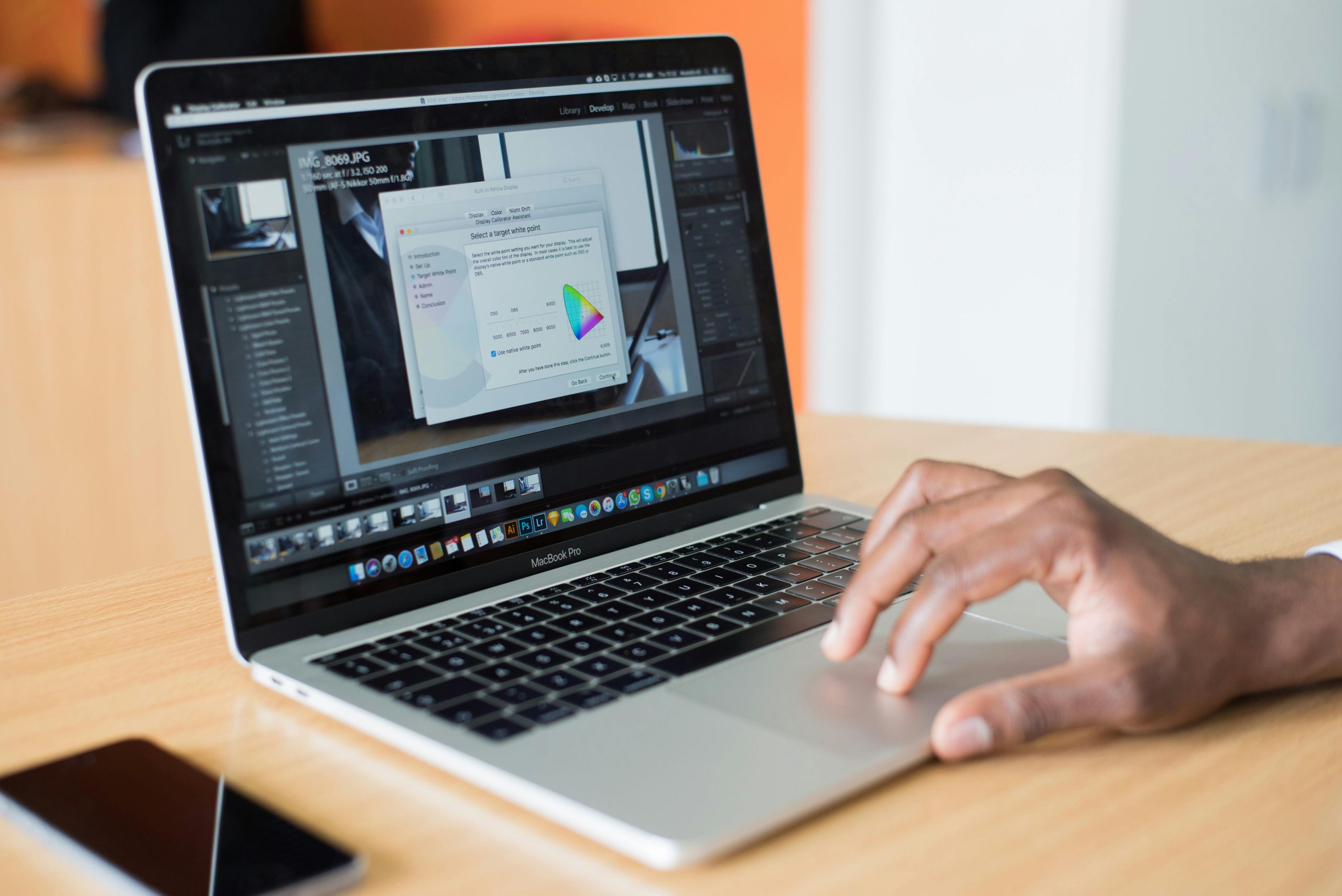
Video editing has become an essential skill in today’s digital age, whether you’re creating content for social media, YouTube, or professional projects. With the right software and techniques, you can transform raw footage into polished, engaging videos. This blog post will guide you through essential tips to elevate your video editing game, helping you work smarter and more efficiently.
Choose the Right Software for Your Needs
Not all video editing software is created equal. Beginners might benefit from user-friendly options like iMovie or Adobe Premiere Rush, while professionals often prefer advanced tools like Adobe Premiere Pro or da Vinci Resolve. Consider your skill level, budget, and project requirements before making a choice. Free trials can help you test the waters before committing.
Master Keyboard Shortcuts for Faster Editing
Keyboard shortcuts are a game changer for speeding up your workflow. Learn the essential shortcuts for cutting, trimming, and transitioning clips in your chosen software. For example, in Adobe Premiere Pro, pressing “C” activates the razor tool, while “V” switches back to the selection tool. Customizing shortcuts to fit your workflow can save hours of editing time.
Organize Your Media Files Effectively
A cluttered workspace can slow you down and lead to mistakes. Create a clear folder structure for your project files, including raw footage, audio, graphics, and exports. Use descriptive file names and color-coding features in your software to keep everything organized. This habit ensures you can quickly locate assets and maintain a smooth editing process.
Utilize Color Grading to Enhance Visual Appeal
Color grading is a powerful tool to set the mood and tone of your video. Software like da Vinci Resolve excels in this area, offering advanced color correction features. Start by adjusting exposure, contrast, and white balance, then experiment with Cuts (Lookup Tables) to achieve cinematic effects. Consistent color grading can make your videos look professional and cohesive.
Optimize Your Workflow with Proxy Files
Working with high-resolution footage can strain your computer’s performance. Proxy files are lower resolution versions of your clips that make editing smoother. Once your edits are complete, you can switch back to the original files for final rendering. This technique is especially useful for 4K or 8K projects.
- Beginners iMovie, Adobe Premiere Rush
- Intermediate Final Cut Pro, Flora
- Advanced Adobe Premiere Pro, da Vinci Resolve
Video editing is both an art and a science, requiring creativity and technical knowhow. By selecting the right software, mastering shortcuts, organizing files, and leveraging tools like color grading and proxy files, you can streamline your workflow and produce high-quality videos. Ready to take your editing skills to the next level? Start experimenting with these tips today!
References

