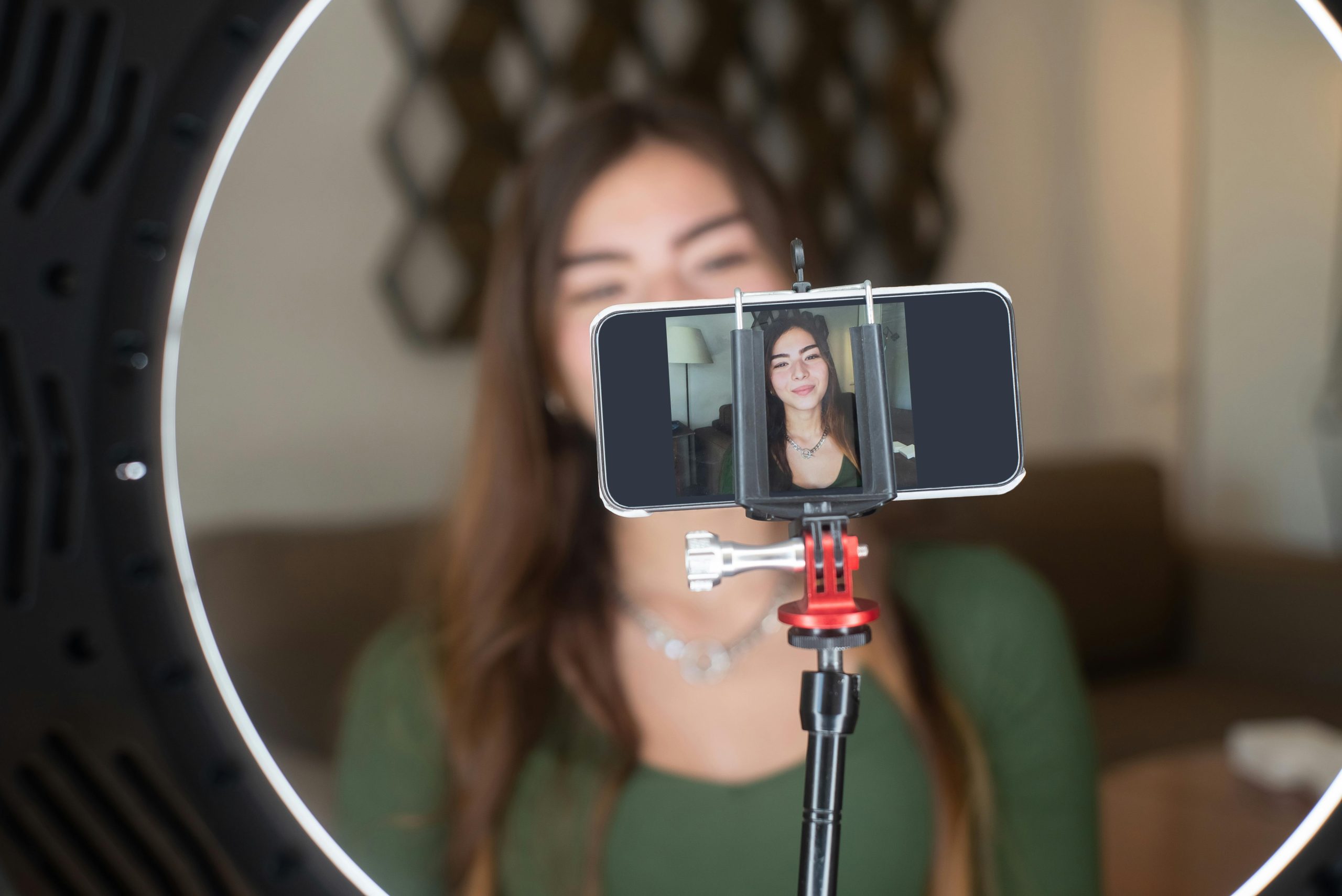
Streaming games on platforms like YouTube and Twitch has become a global phenomenon, offering gamers the chance to showcase their skills, build communities, and even monetize their passion. Whether you’re a seasoned player or a beginner looking to share your gameplay, this guide will walk you through everything you need to start streaming like a pro. From setting up your equipment to optimizing your streams for maximum engagement, we’ve got you covered.
Choosing the Right Platform for Your Streams
Before diving into streaming, it’s essential to decide whether YouTube or Twitch is the better fit for your goals. Twitch is the GOTO platform for live gaming content, offering robust community features and monetization options like subscriptions and donations. YouTube, on the other hand, excels in discoverability and long-term content value, as streams can be saved and watched later. Consider your audience, content style, and long-term objectives when making your choice.
Setting Up Your Streaming Equipment
To deliver high-quality streams, you’ll need the right equipment. A powerful PC or console is the foundation, but don’t overlook the importance of a good microphone, webcam, and lighting. Software like OBS Studio or Streamlabs is essential for managing your stream, overlays, and alerts. Invest in a stable internet connection with sufficient upload speed to avoid buffering or lag during your broadcasts.
Creating an Engaging Streaming Environment
Engagement is key to building a loyal audience. Personalize your stream with custom overlays, alerts, and branding that reflect your personality. Interact with your viewers through chat, respond to comments, and create a welcoming atmosphere. Consistency is also crucial—stick to a regular streaming schedule, so your audience knows when to tune in.
Optimizing Your Stream for Discoverability
To attract viewers, optimize your stream’s title, tags, and description with relevant keywords. Use eye-catching thumbnails and previews to stand out in search results. On Twitch, leverage categories and tags to make your stream easier to find. On YouTube, focus on SEO friendly titles and descriptions to improve visibility in both live and archived content.
Monetizing Your Gaming Streams
Once you’ve built an audience, explore monetization options to turn your passion into profit. Twitch offers affiliate and partner programs, while YouTube allows you to earn through ads, memberships, and Super Chat. Additionally, consider sponsorships, merchandise, and fan donations to diversify your income streams. Always prioritize providing value to your audience to keep them engaged and supportive.
- Choose between Twitch for live gaming or YouTube for discoverability.
- Invest in a reliable PC, microphone, webcam, and streaming software.
- Personalize your stream with overlays, alerts, and consistent branding.
- Optimize your stream’s title, tags, and thumbnails for better visibility.
- Explore monetization options like subscriptions, ads, and sponsorships.
Streaming games on YouTube and Twitch is more than just sharing gameplay—it’s about building a community, expressing your creativity, and turning your passion into a career. With the right tools, strategies, and dedication, you can take your gaming journey to the next level. Ready to start streaming? Grab your gear, set up your channel, and let the world see what you’ve got!
References